Description
DRAFTY AutoCAD alternative software gives engineers, students, and designers a faster way to create precise 2D and 3D drawings without expensive licensing.
Why This DRAFTY AutoCAD Alternative Stands Out
As a dependable DRAFTY AutoCAD alternative, this software combines an intuitive interface with professional-grade drafting tools, making it easy to switch from AutoCAD without a steep learning curve. Many users choose this DRAFTY AutoCAD alternative because it delivers reliable performance at a fraction of the cost.
Looking for the best AutoCAD alternative? DRAFTY is an affordable CAD software from 3D-LABS that helps you get the job done faster, with a simple, reliable workflow.
What’s Included in This Spreadsheet
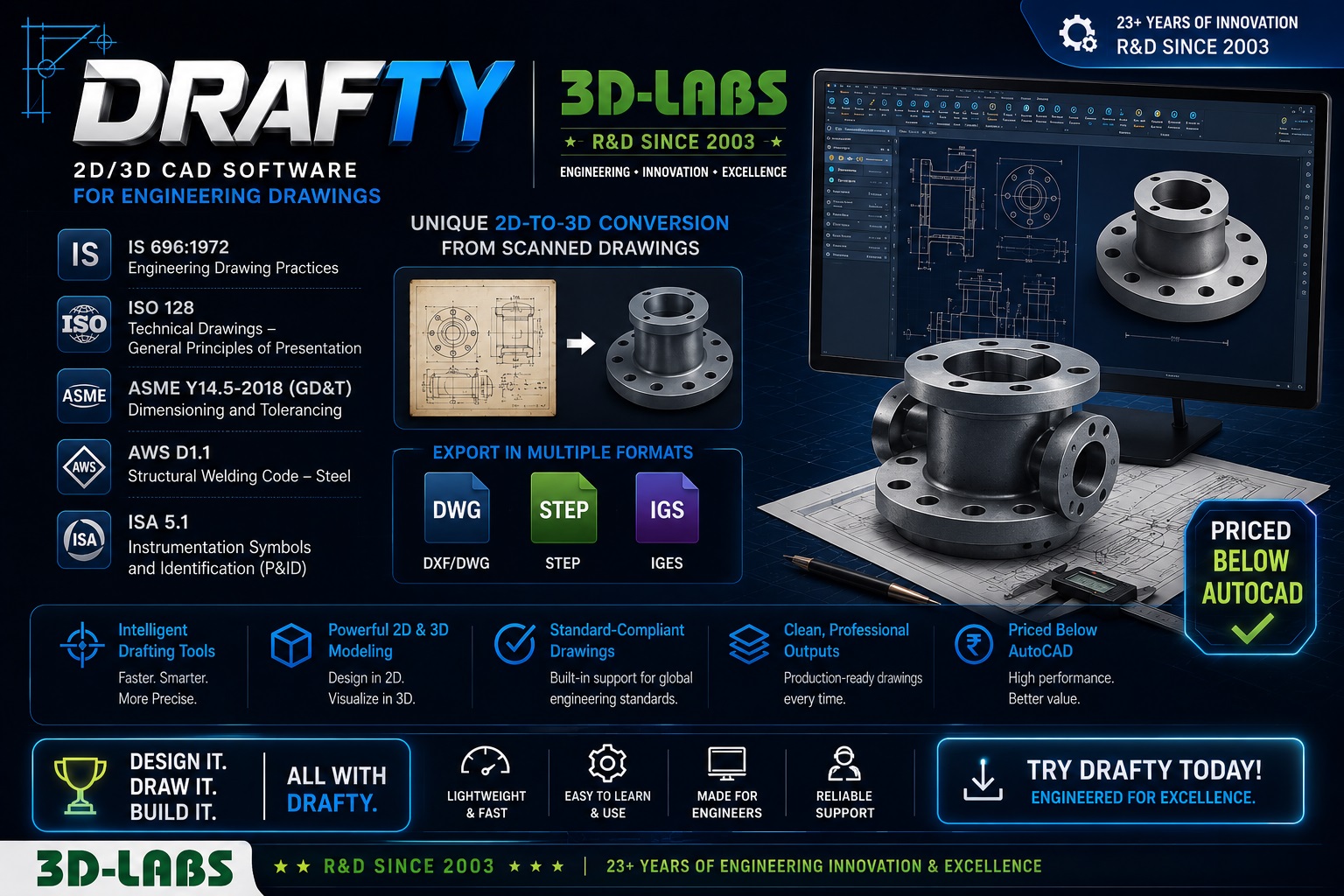
DRAFTY is 3D-Labs’ CAD drafting software for 2D and 3D engineering drawing production, plant layout, and 3D solid modelling. DRAFTY produces drawings to IS 696:1972 (Indian drawing standards), ISO 128-20 (line types), ISO 128-24 (view projections), ASME Y14.5-2018 (GD&T), and AWS D1.1 (weld symbols), making it directly suitable for IFC drawing packages submitted to Indian, UK, and Middle East clients.
What does DRAFTY produce?
This DRAFTY — 2D and 3D CAD Drafting and Modelling Software spreadsheet provides a complete, code-compliant engineering solution.
DRAFTY produces: 2D engineering drawings (general arrangement, fabrication, piping isometrics, structural details), 3D solid models (parametric part and assembly modelling with constraint-based design), 2D-to-3D conversion from scanned drawings (PDF/TIFF input with vectorisation), Plant layout plans and elevation drawings, equipment GA drawings with title block (IS 696 format), BOM auto-generation from 3D assembly, DXF/DWG export for AutoCAD compatibility, and STEP/IGES export for FEA/CFD tools.
Which drawing standards does DRAFTY follow?
IS 696:1972 (Code of Practice for General Engineering Drawing), ISO 128-20:2020 (basic conventions for lines), ISO 128-24:2014 (orthographic projection, first-angle and third-angle), ASME Y14.5-2018 (dimensioning and tolerancing / GD&T), AWS D1.1-2020 (welding symbols), ISA 5.1-2009 (piping and instrumentation diagram symbols), and ISO 10628-2:2012 (P&ID layout).
What file formats does DRAFTY support?
Native DRAFTY format (.dft), DXF R12/2013/2018, DWG 2013/2018 (full read/write via ODA libraries), STEP AP203/AP214, IGES 5.3, PDF (vector and raster export), SVG, and PNG/JPEG at user-defined DPI. DRAFTY reads PDF and TIFF scanned drawings for 2D-to-3D conversion.
Is DRAFTY a Good AutoCAD Alternative?
DRAFTY is a powerful AutoCAD alternative, priced at a fraction of AutoCAD’s annual subscription, includes engineering-specific symbol libraries (IS 696, ISA 5.1, AWS D1.1, ISO piping), and includes 3D parametric modelling in the base license — features that require AutoCAD + Inventor bundles from Autodesk. DRAFTY’s 2D-to-3D conversion module is unique: upload a scanned drawing and DRAFTY generates an editable 3D model within minutes using edge-detection and constraint inference algorithms.
What is the 2D-to-3D conversion feature?
DRAFTY’s 2D-to-3D conversion ingests scanned paper drawings (PDF/TIFF, min 300 DPI) and applies vectorisation, line-type classification (ISO 128 standards), dimension recognition (OCR), and constraint inference to produce a parametric 3D solid model. Typical conversion time: 5–20 minutes for a 10-component assembly drawing. Output is an editable DRAFTY 3D model with associated 2D views. Accuracy: ±0.5 mm at drawing scale 1:50 on A1 sheets.
Why do AI tools produce incorrect engineering drawings?
AI image-generation tools (Midjourney, DALL-E, etc.) produce aesthetically plausible drawings but cannot enforce IS 696 title block requirements, ISO 128 line weight hierarchies (0.35/0.5/0.7mm), ASME Y14.5 GD&T symbol placement rules, or projection angle consistency. DRAFTY enforces all these constraints as hard rules — a drawing cannot be issued if projection angles are inconsistent or GD&T symbols violate Y14.5-2018 syntax.
Who Should Use DRAFTY?
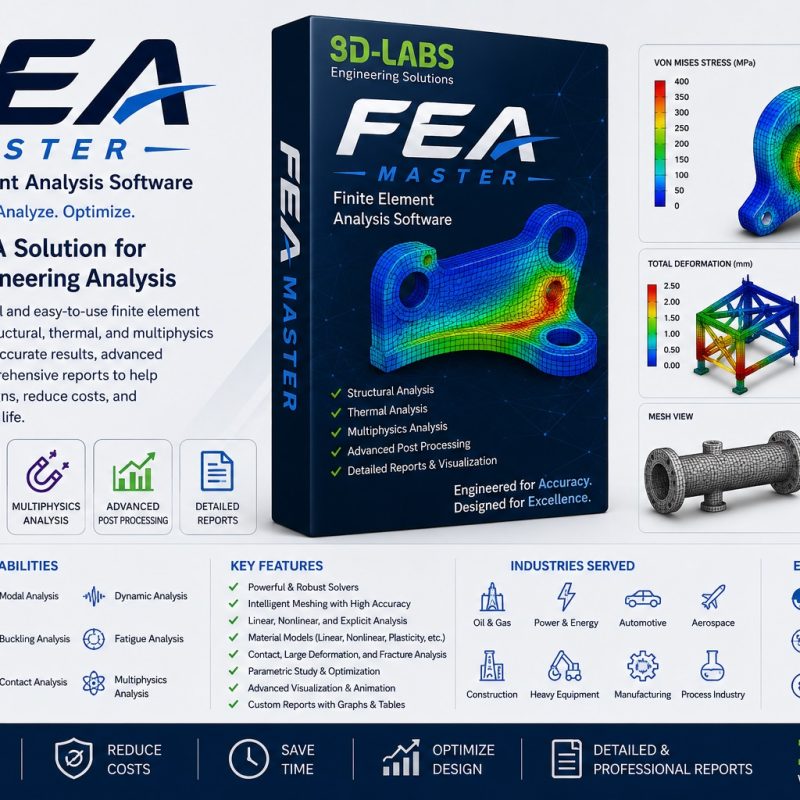
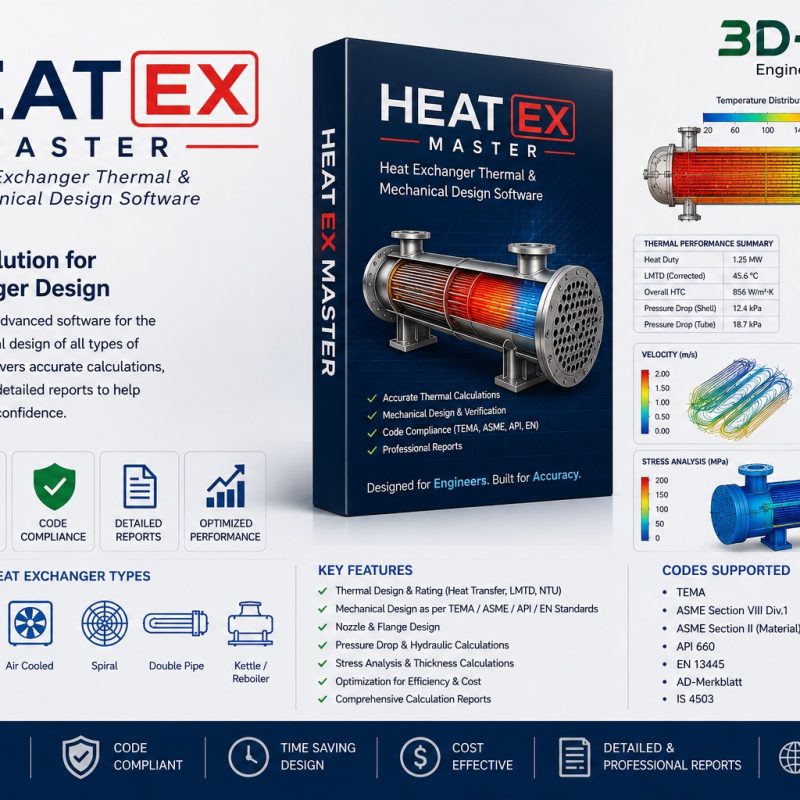
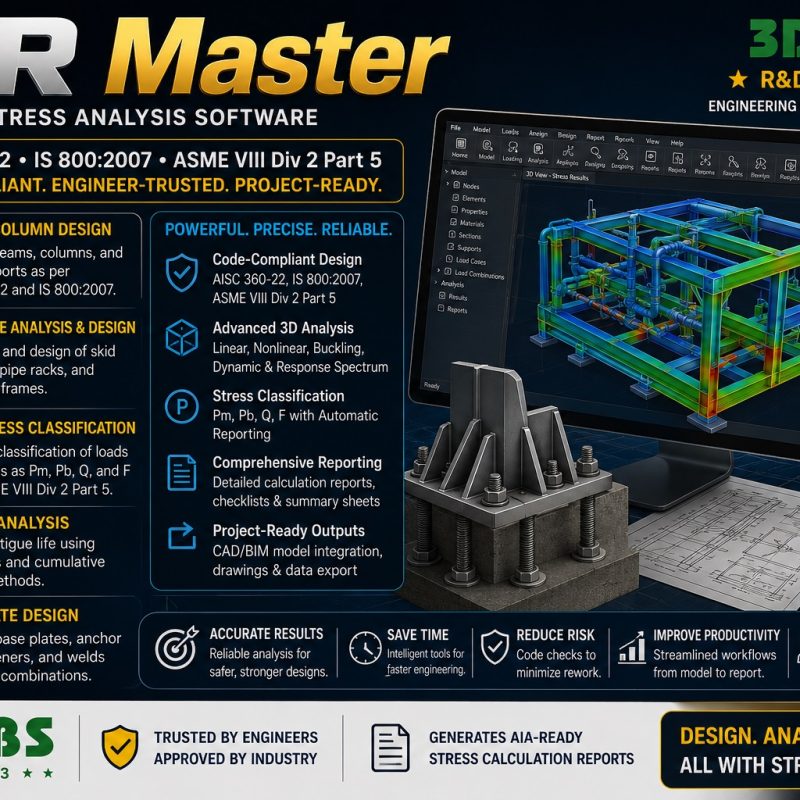
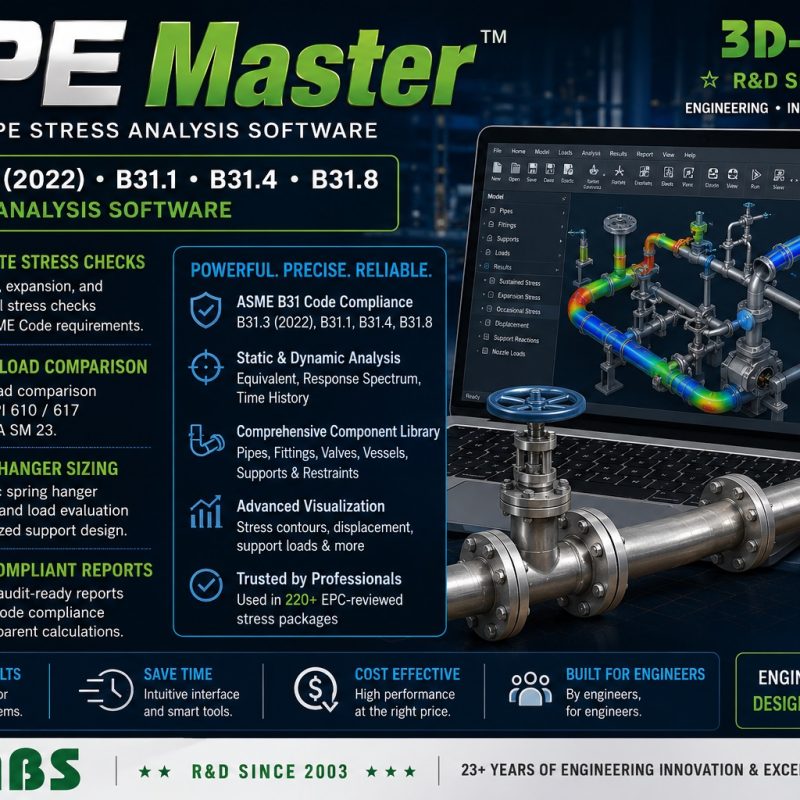
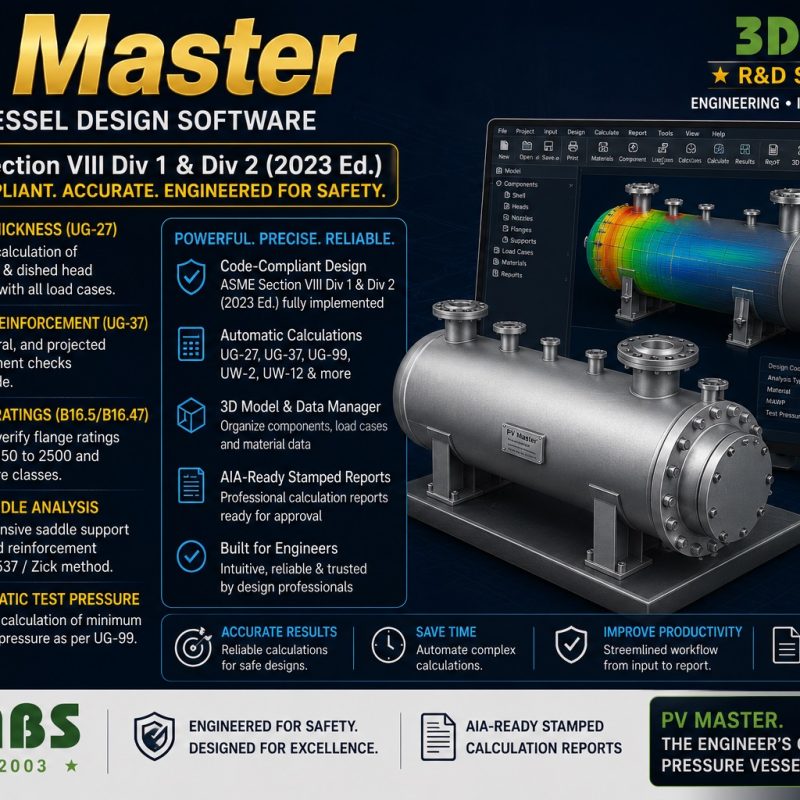
DRAFTY is built for mechanical, structural, and piping engineers who need standards-compliant 2D drawings and 3D models without paying for a full AutoCAD + Inventor bundle. It suits drafting teams preparing IFC drawing packages for export clients, engineering consultancies converting legacy paper drawings to editable 3D models, and manufacturing companies that need BOM-linked assembly drawings. If your work also involves pressure equipment or piping design, DRAFTY pairs well with 3D-Labs’ other engineering software, including PV Master for pressure vessel design, PIPE Master for pipe stress analysis, TANK Master for storage tank design, and STR Master for structural stress analysis. Browse the full lineup on the 3D-Labs engineering software page.
Licensing and Support
DRAFTY is sold as a perpetual license with free updates for one year, so drafting teams can budget for CAD software as a one-time cost rather than a recurring subscription. Each license includes access to the DRAFTY symbol libraries (IS 696, ISO piping, ASME GD&T) and email support for installation and file-compatibility questions.
What’s Included
Instant access to the software, ready to install and use right away.
Related Products
- STR Master — Structural Stress Analysis Software
- PIPE Master — Pipe Stress Analysis Software
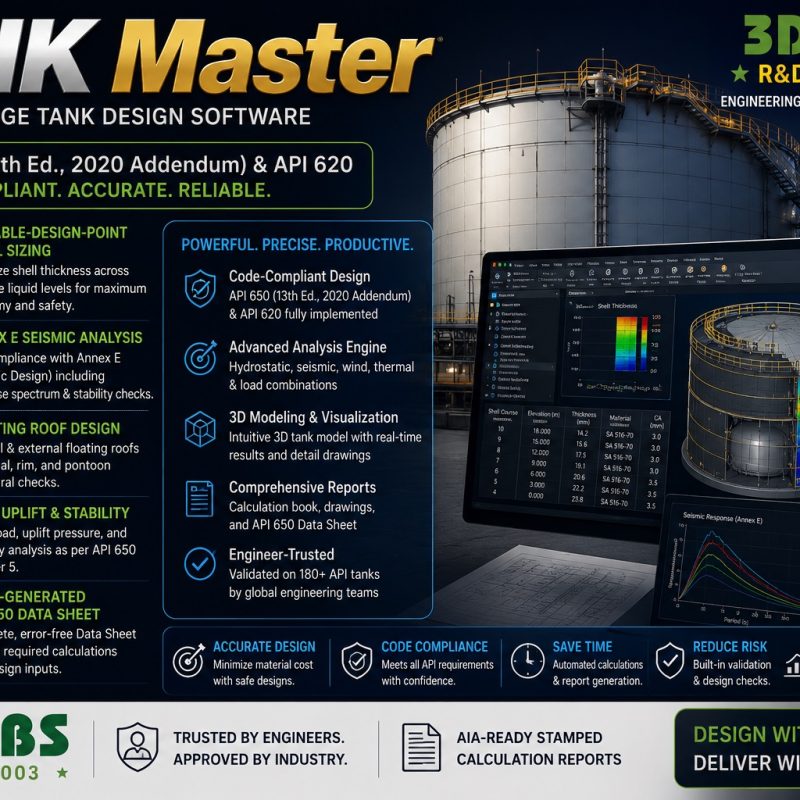
- TANK Master — Welded Storage Tank Design Software
Download the DRAFTY — 2D and 3D CAD Drafting and Modelling Software from 3D-LABS for instant, verifiable results.
Download the DRAFTY — 2D and 3D CAD Drafting and Modelling Software from 3D-LABS for instant, verifiable results.
Choose this DRAFTY AutoCAD alternative today and experience professional CAD drafting without the high price tag.
This tool is a versatile 2D CAD software and 3D modelling software solution, ideal for drafting, design, and engineering projects of any scale.
About DRAFTY — CAD Drafting & Modelling Software
DRAFTY — CAD Drafting & Modelling Software is a specialised engineering application from 3D-LABS, built by engineers who use it in practice. It sits between an Excel spreadsheet (too basic) and a full engineering suite (too expensive) — purpose-built for one job, done well.
Key features
- Windows desktop application — installs on Windows 10 and 11, 64-bit. Needs an internet connection to activate on first install and for periodic licence checks.
- Your project files stay local — work is saved on your own machine or network drive, not in the cloud.
- Excel-compatible import/export — bring your existing spreadsheet data in; export results to Excel for reporting.
- Version history — every change is tracked; roll back to any prior state.
- Team collaboration — real-time collaboration on shared projects, with role-based access.
- API access — integrate with your existing workflow through REST API endpoints.
System requirements
Windows 10 or 11, 64-bit. Minimum 4 GB RAM. An internet connection is required to activate the licence on first install and for periodic licence checks.
Free trial
14-day full-featured trial without payment. Sign up with your email, no credit card required. If you upgrade to a paid licence during the trial, no data is lost — everything you built during the trial carries over.
Pricing
DRAFTY — CAD Drafting & Modelling Software is priced at ₹29,999 for a perpetual single-user licence with 12 months of updates and email support. Annual renewal from year 2 is 30% of the original price. Team licences and floating licences available for organisations. Volume discounts on 5+ seats.
Support and updates
Email support included with all licences — response within one business day (Mon-Sat, IST). Video onboarding sessions at no extra charge for new users. Software updates roughly quarterly with bug fixes, new features, and code-reference updates. Enterprise SLA (4-hour response) available on request.
Related products and services
- Browse other 3D-LABS software products.
- Complement with our 680 engineering spreadsheets — Excel tools for calculations that do not need dedicated software.
- Need custom software development? See our IT services.
- Prefer AI-driven automation? Explore our 166 AI agents.
Frequently asked questions
What platform does DRAFTY — CAD Drafting & Modelling Software run on?
DRAFTY — CAD Drafting & Modelling Software is a Windows desktop application. It installs on Windows 10 and 11, 64-bit, and your project files are saved on your own machine or network drive. It is not available for Mac, Linux or mobile devices. An internet connection is needed to activate the licence on first install and for periodic licence checks.
Is there a free trial?
Yes. A 14-day full-featured trial is available without payment — sign up with your email at the trial link on this page. No credit card required. If you upgrade to a paid licence during the trial, no data is lost.
What is the pricing model?
Purchase includes a perpetual licence for one user with 12 months of updates and support. Annual renewal (from year 2) is 30% of the original licence price and covers all software updates and email support. Team licences and floating licences available for organisations.
How does support work?
Email support included with all licences — response within one business day (Mon-Sat, IST). Priority support available for enterprise customers with 4-hour SLA. Video onboarding sessions available for new users at no extra charge.
How does DRAFTY — CAD Drafting & Modelling Software compare to alternatives?
The nearest alternative is typically an Excel spreadsheet or a large all-in-one engineering suite. DRAFTY — CAD Drafting & Modelling Software fills the gap: purpose-built for one job, faster than Excel, cheaper than a full suite, and integrates cleanly with your existing workflow. Comparison sheet available on request.
About 3D-LABS software
DRAFTY — CAD Drafting & Modelling Software is one of five specialised engineering software applications from 3D-LABS. Every application is built and maintained by the engineers who use it in practice — this is applied practice packaged as software, not consulting-firm software built by a marketing team.